

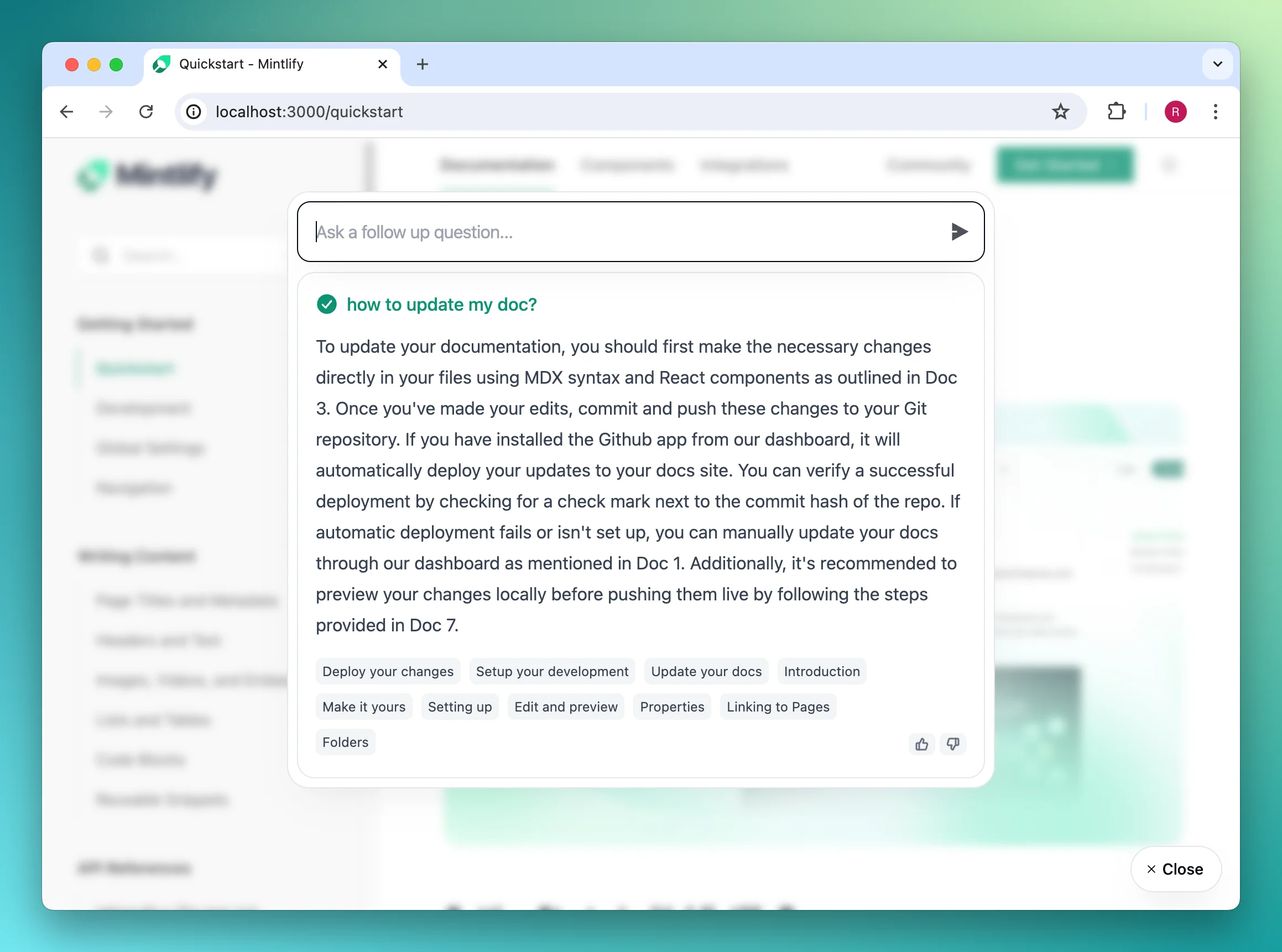
Getting started
First, generate an API key in the Mintlify dashboard.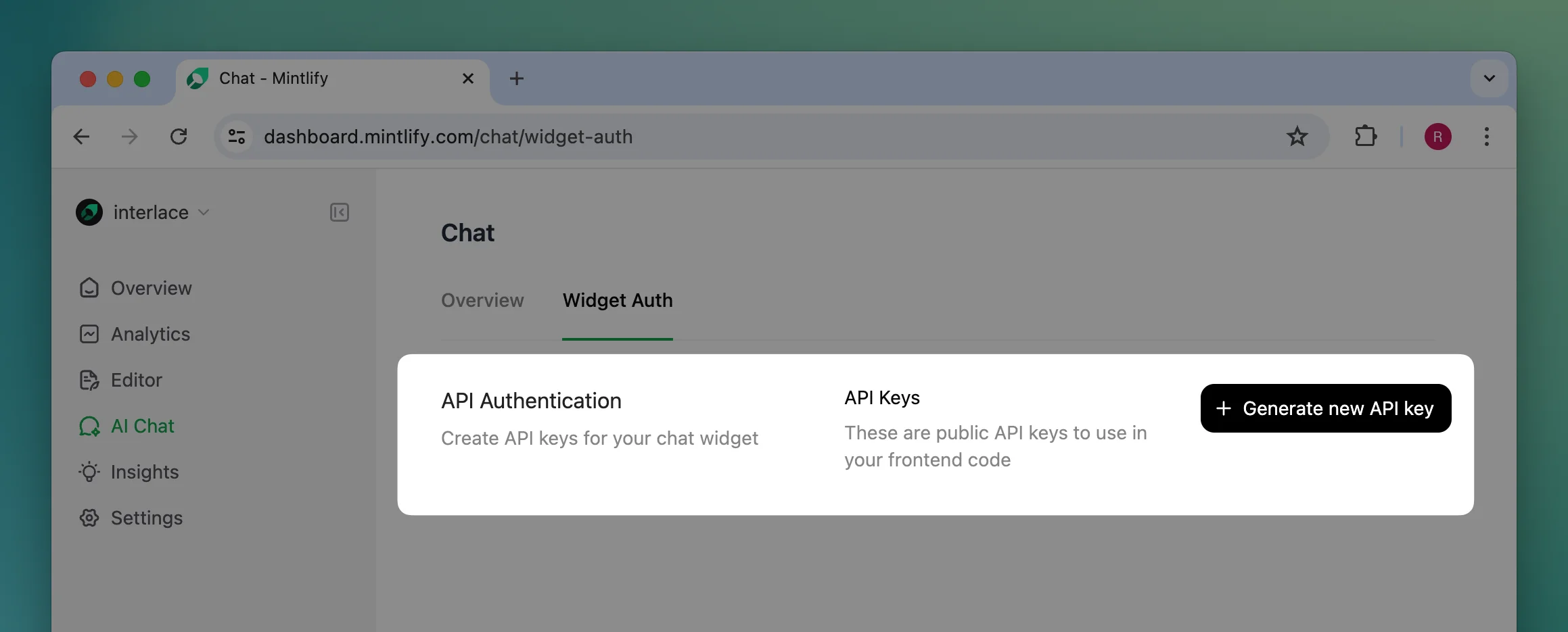
Installation
Add the widget by adding these script tags into your site’s<head>...<head/> tag.
@mintlify/widget-react package. Here is a basic example of how to use the component in your React application:
Usage
In the first script tag or the React component props, you can customize the appearance and other settings of the widget.mintlifyWidgetSettings accepts the following props:
MintlifyWidgetConnectionProps
MintlifyWidgetDisplayProps
MintlifyWidgetDisplayTriggerProps
Here is an overview of what the trigger looks like with different configurations.
type='input' | |
|---|---|
 |
type='button' | 'chat' | 'sparkles' | 'mintlify' |
|---|---|---|---|
iconOnly=false |  | 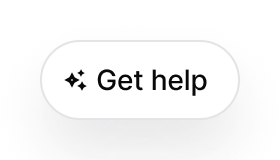 | 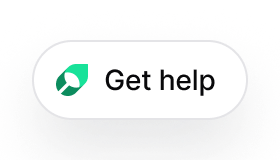 |
iconOnly=true |  |  |  |